
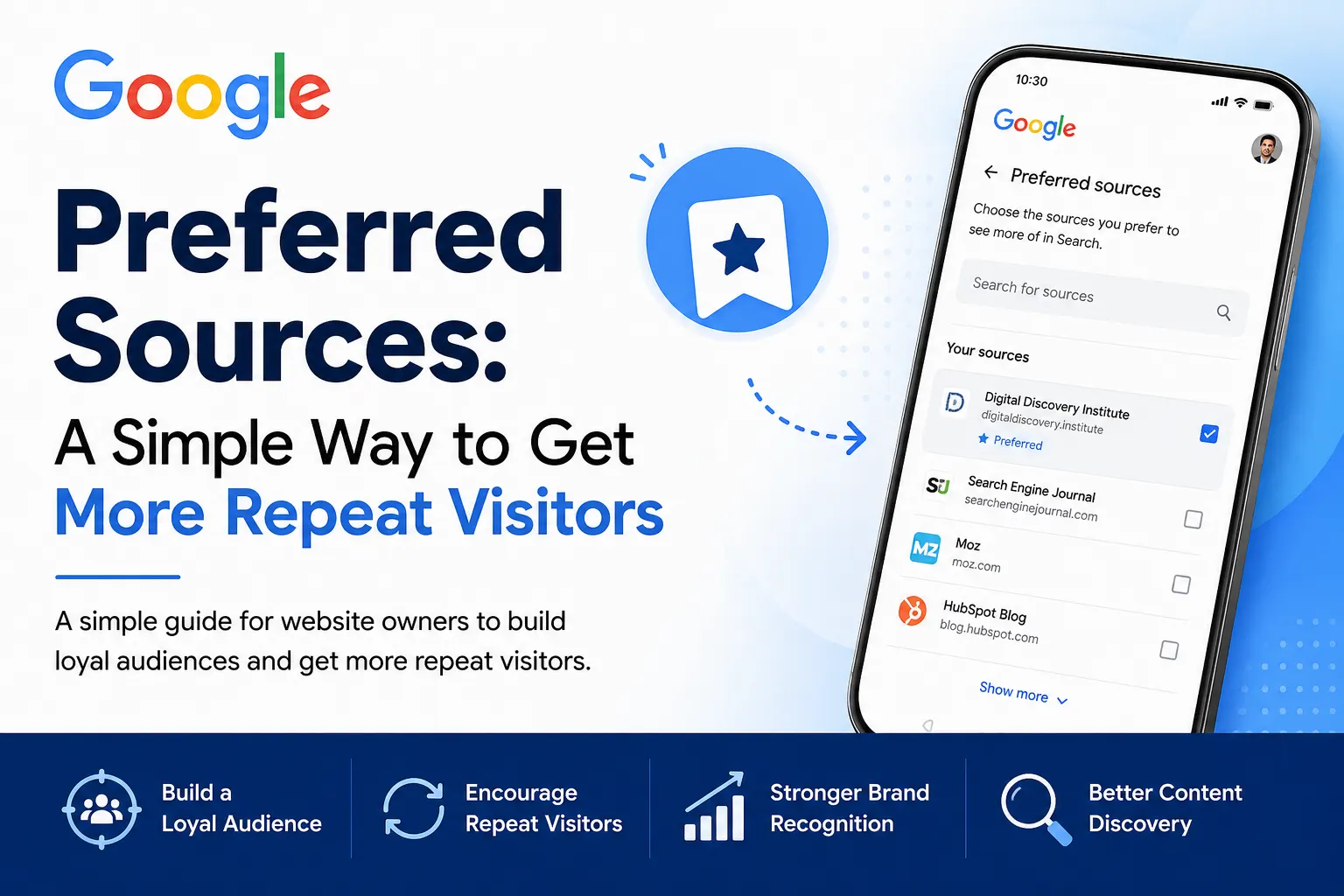
Creating high-quality content is only half the battle. The other half is building an audience that keeps coming back. That’s where Google Preferred Sources comes in.
This feature allows users to tell Google which websites they trust and want to hear from more often. If you run a business website, blog, educational platform, or local service website, it’s a simple way to strengthen your relationship with your readers.
What is Google Preferred Sources?
Google Preferred Sources is a personalization feature that lets users choose the publishers and websites they prefer. By adding a website to their Preferred Sources, users are telling Google, “When it’s relevant, I’d like to see content from this website.”
Think of it like subscribing to a YouTube channel or following a creator on social media. Instead of following on a platform, you’re helping Google understand which sources you value.
Learn more: If you’re new to search marketing, check out our SEO Training Course to understand how Google discovers, indexes, and ranks websites.
Why Should Businesses Care?
Every business wants more than just one-time visitors, it wants loyal readers and returning customers. Google Preferred Sources supports that goal by making it easier for people who already trust your content to discover it again when it’s relevant.
While Google hasn’t said this feature improves search rankings, it does help create a more personalized search experience for users. That’s why it’s best viewed as a way to build audience loyalty rather than as an SEO shortcut.
Who Can Benefit?
This feature is useful for almost anyone who publishes valuable content, including:
- Bloggers and publishers
- Local businesses
- Digital marketing agencies
- Educational institutes
- E-commerce stores
- Healthcare and finance websites
- Non-profit organizations
If your website regularly shares guides, tutorials, industry news, or helpful resources, encouraging your audience to add you as a Preferred Source is a smart addition to your content strategy.
How to Add a Website to Google Preferred Sources
As a user getting started is simple:
- Visit Google’s Source Preferences page e.g. https://www.google.com/preferences/source?q=yourdomain.com
- Search for your favorite website.
- Select the website.
- Save your preference.
The entire process takes less than a minute and doesn’t require any additional subscription. As a website owner, you should encourage your audience through your blog, website, email newsletters, and social media channels to add your website to their Google Preferred Sources.
The more readers who choose your website, the easier it is for Google to understand that they value your content. When those users search for topics related to your website, Google may make it easier for them to discover your content when it’s relevant.
Here's what Google officially says:
- If a user selects your website as a Preferred Source, your content is more likely to appear in Top Stories for that user and is highlighted with a “Preferred” badge.
- In AI Mode and AI Overviews, content from a user’s Preferred Sources can also be highlighted with the “Preferred” badge.
- Google explicitly encourages publishers to promote their Preferred Sources link on their website and social media using the deep link (google.com/preferences/source?q=yourdomain.com) and even provides button assets for publishers.
Read more about this here: Help your readers find your site through preferred sources in Google Search
However, Google does not say:
- ❌ “You’ll get more website traffic.”
- ❌ “Your rankings will improve.”
- ❌ “You’ll appear in the SERPs more often in general.”
- ❌ “More users selecting your site will improve SEO.”
Those would be assumptions rather than confirmed facts.
Best Practices for Website Owners
If you want readers to use this feature, don’t just add a button and hope for the best. Explain why it benefits them.
A few simple ideas include:
- Add a call-to-action at the end of your blog posts.
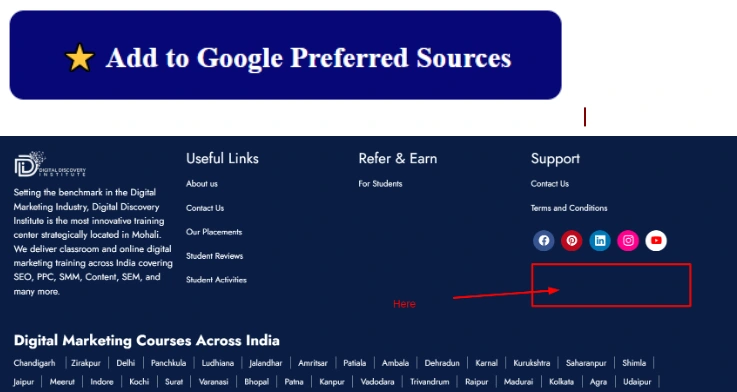
- Place a small widget in your blog sidebar. Like the example below:
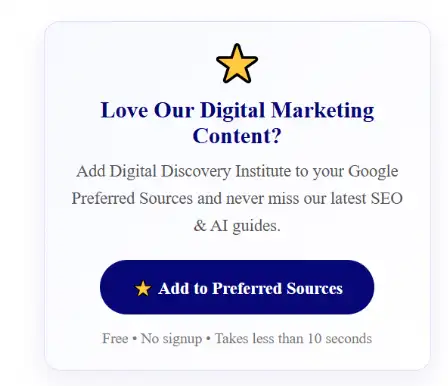
- Mention it in your newsletter.
- Share a short tutorial on LinkedIn or Google Business Profile. Like the following:
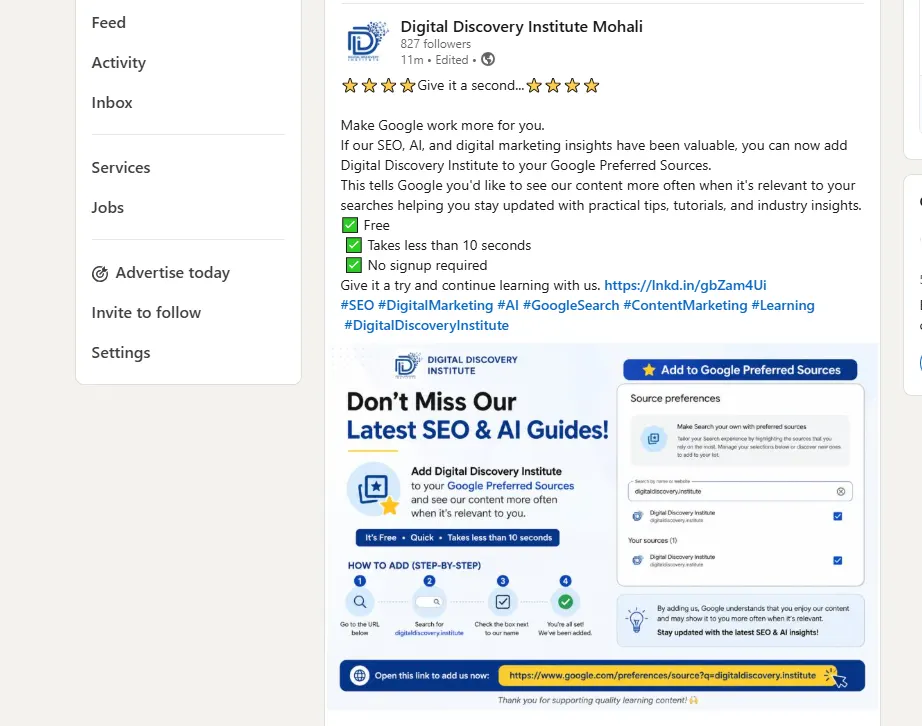
- Create a step-by-step guide with screenshots.
The easier you make it, the more likely readers are to use it.
Conclusion: Google Preferred Sources isn’t a replacement for SEO, backlinks, or quality content. Instead, it’s another way to build trust with your audience and encourage long-term engagement.
As search becomes more personalized, helping readers tell Google they value your content is a simple but meaningful step. If your articles consistently solve problems and answer questions, consider adding a Google Preferred Sources call-to-action to your website. It’s free, easy to implement, and gives loyal readers another way to stay connected with your content.
We regularly share tutorials, case studies, SEO updates, AI marketing insights, and step-by-step guides designed to help beginners and professionals stay ahead in the rapidly changing digital landscape.
If you found this guide helpful, consider adding Digital Discovery Institute to your Google Preferred Sources so it’s easier for Google to show you our latest content when it’s relevant to your interests.
You can also explore our growing collection of articles covering SEO, Google Ads, AI tools, content marketing, social media marketing, and career guidance on our blog.
Want to Learn Digital Marketing?
Whether you’re a student, job seeker, freelancer, business owner, or working professional, learning digital marketing can open doors to new career opportunities and business growth.
At Digital Discovery Institute, our Diploma in Digital Marketing is designed to provide hands-on training with real-world projects instead of just theory. You’ll learn:
- Search Engine Optimization (SEO)
- Google Ads (PPC)
- Social Media Marketing
- AI Tools for Digital Marketing
- Content Marketing
- Email Marketing
- Google Analytics & GA4
- Website Development with WordPress
- Local SEO and Google Business Profile
- Portfolio Building, Interview Preparation, and Placement Assistance
Whether your goal is to get a job, grow your business, or start freelancing, our training focuses on practical skills that you can apply immediately.