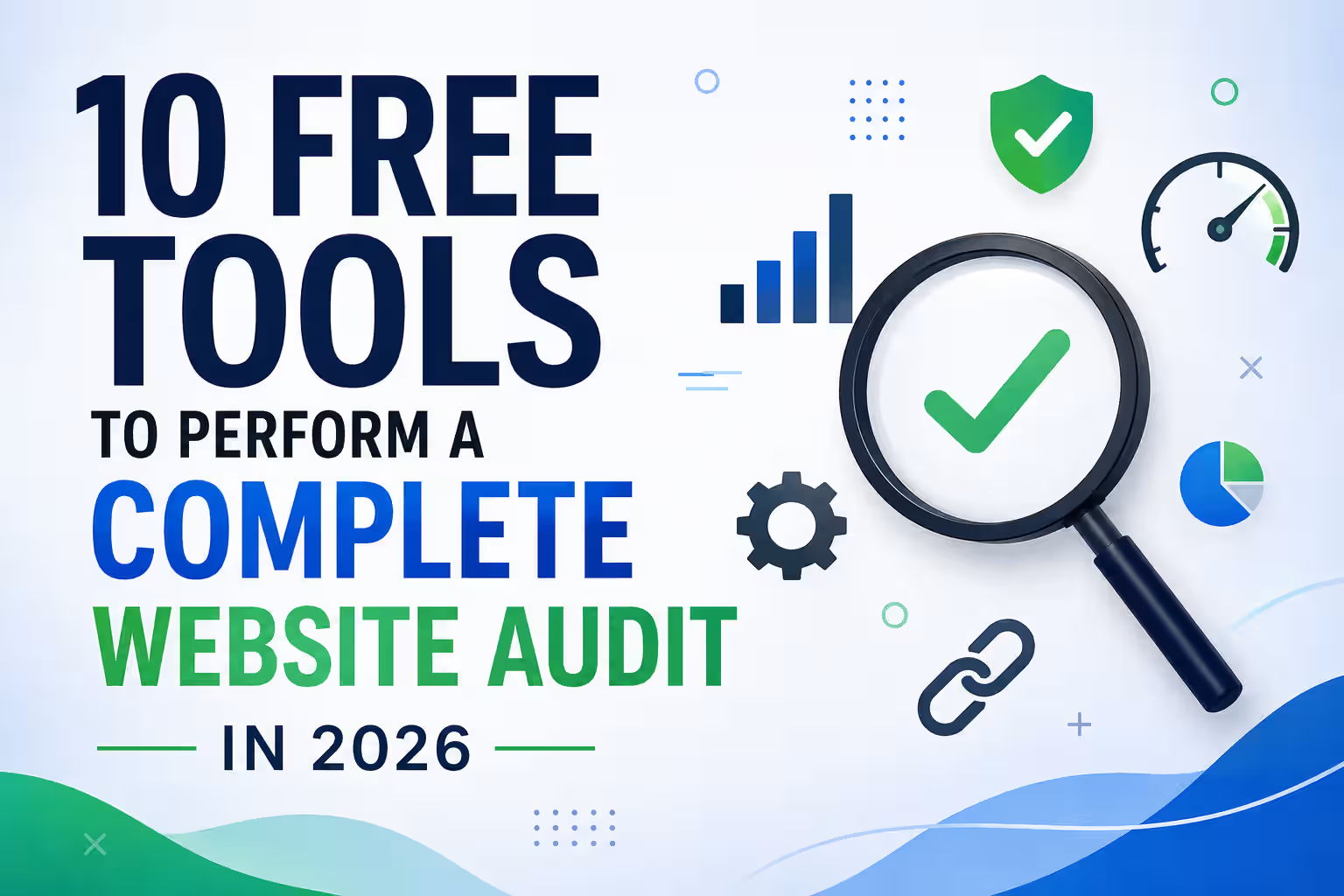
A website audit is an important part of SEO. It helps identify technical problems, on-page SEO issues, speed problems, indexing errors, broken links, security weaknesses, and other factors that can affect search visibility and user experience.
The good news is that you don’t need an expensive SEO subscription to perform a strong website audit. Several free tools can provide valuable data when used together.
1. Google Search Console
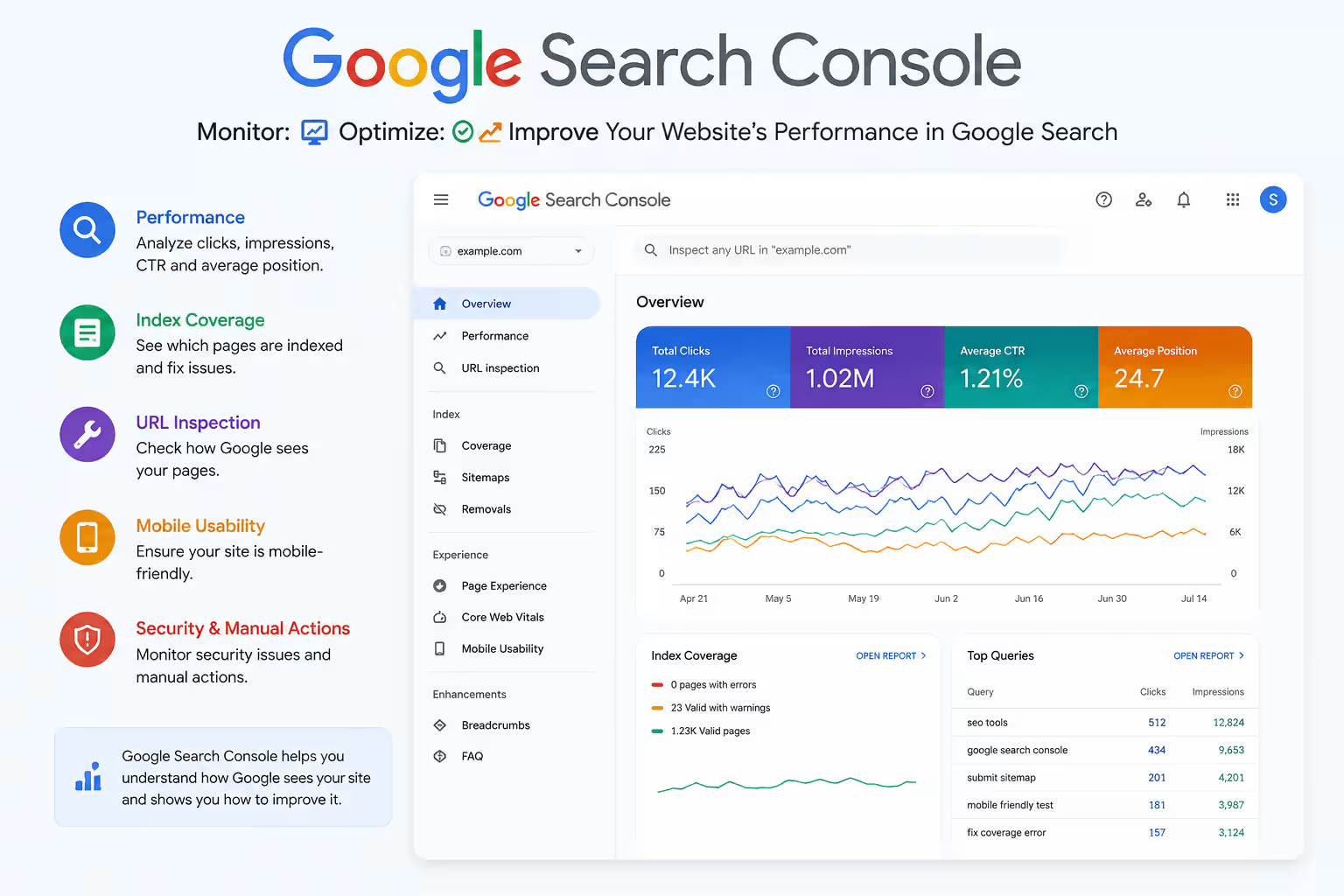
Google Search Console is one of the most important free tools for website auditing.
It provides information about how your website performs in Google Search and helps identify indexing and crawling problems. Its URL Inspection tool provides crawl, index, and serving information, while the Core Web Vitals report helps monitor page experience.
Use it to check:
- Indexing issues
- Search queries and clicks
- Impressions and rankings
- Core Web Vitals
- Sitemaps
- Mobile and page experience issues
- URL indexing status
Best for: Google Search performance and indexing.
Related Post: How Google Indexing Works: Step by Step Guide for beginners
2. Google PageSpeed Insights
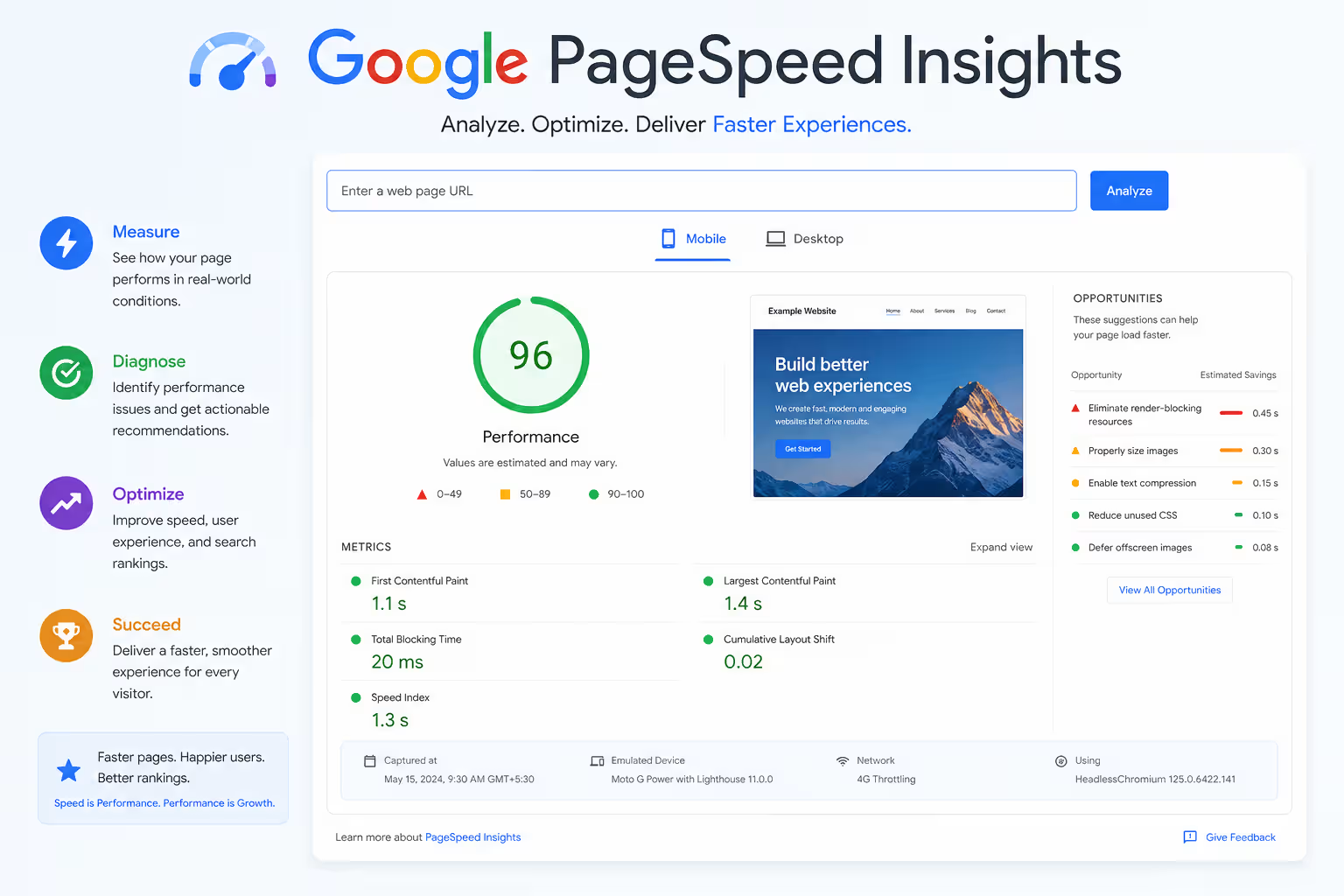
Google PageSpeed Insights helps analyze the performance of individual web pages on mobile and desktop.
It provides performance data and optimization recommendations, combining real-world field data (CrUX) with Lighthouse lab data to help identify performance problems.
Use it to check:
- Largest Contentful Paint (LCP)
- Interaction to Next Paint (INP)
- Cumulative Layout Shift (CLS)
- Page loading performance
- JavaScript and CSS issues
- Image optimization
- Render-blocking resources
Best for: Website speed and Core Web Vitals.
3. Semrush
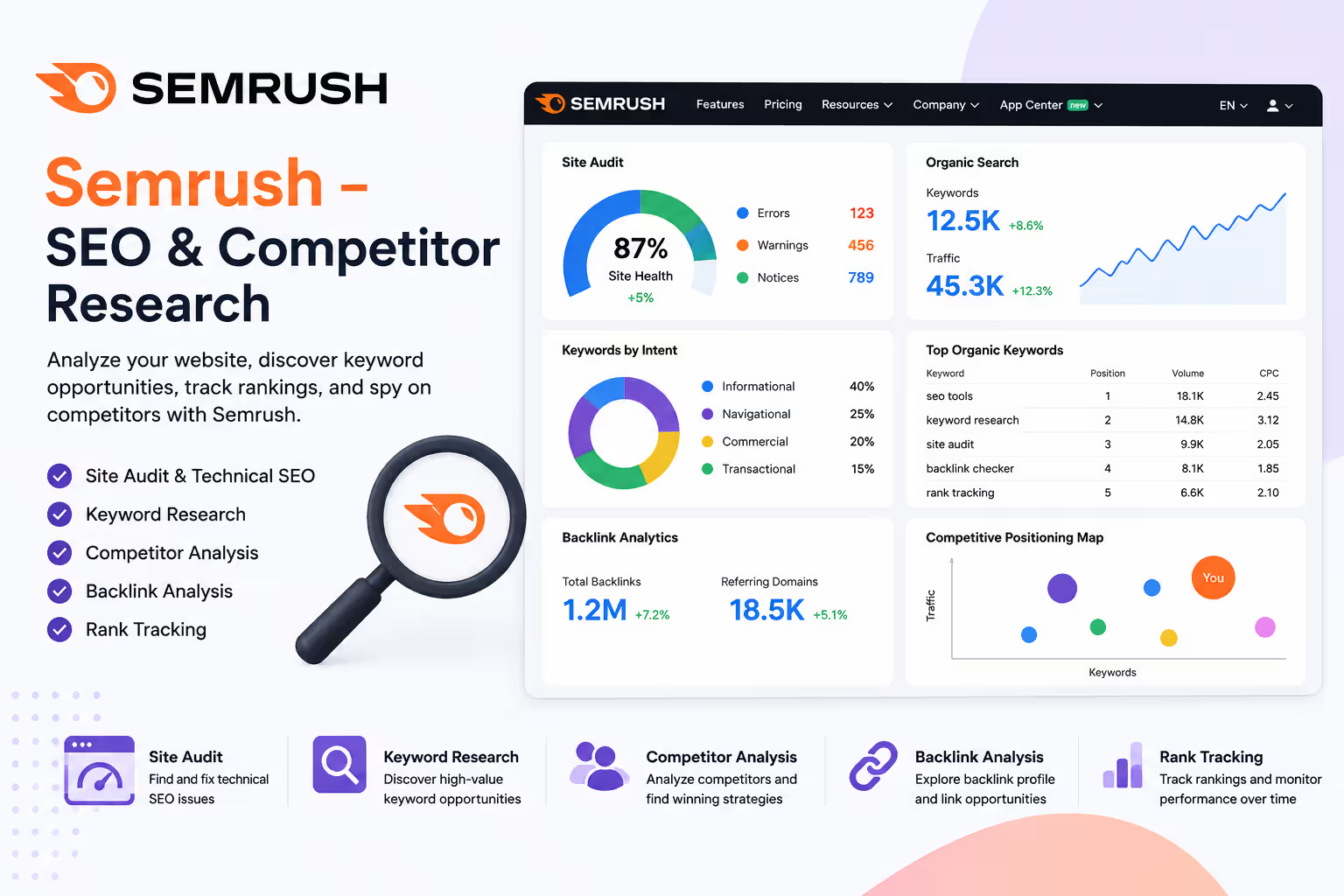
Semrush is a popular SEO and digital marketing platform that provides tools for keyword research, competitor analysis, technical SEO, backlink analysis, and website auditing.
Semrush offers a free account with limited access to several tools, making it useful for small website audits and SEO research. Its Site Audit tool can identify technical SEO issues such as crawlability problems, broken links, duplicate content, HTTPS issues, and other website health concerns.
Use it to check:
- Technical SEO issues
- Broken links
- Crawlability problems
- Duplicate content
- HTTPS issues
- Keyword opportunities
- Competitor visibility
- Backlink information
Best for: Technical SEO, competitor research, and keyword analysis.
4. Screaming Frog SEO Spider
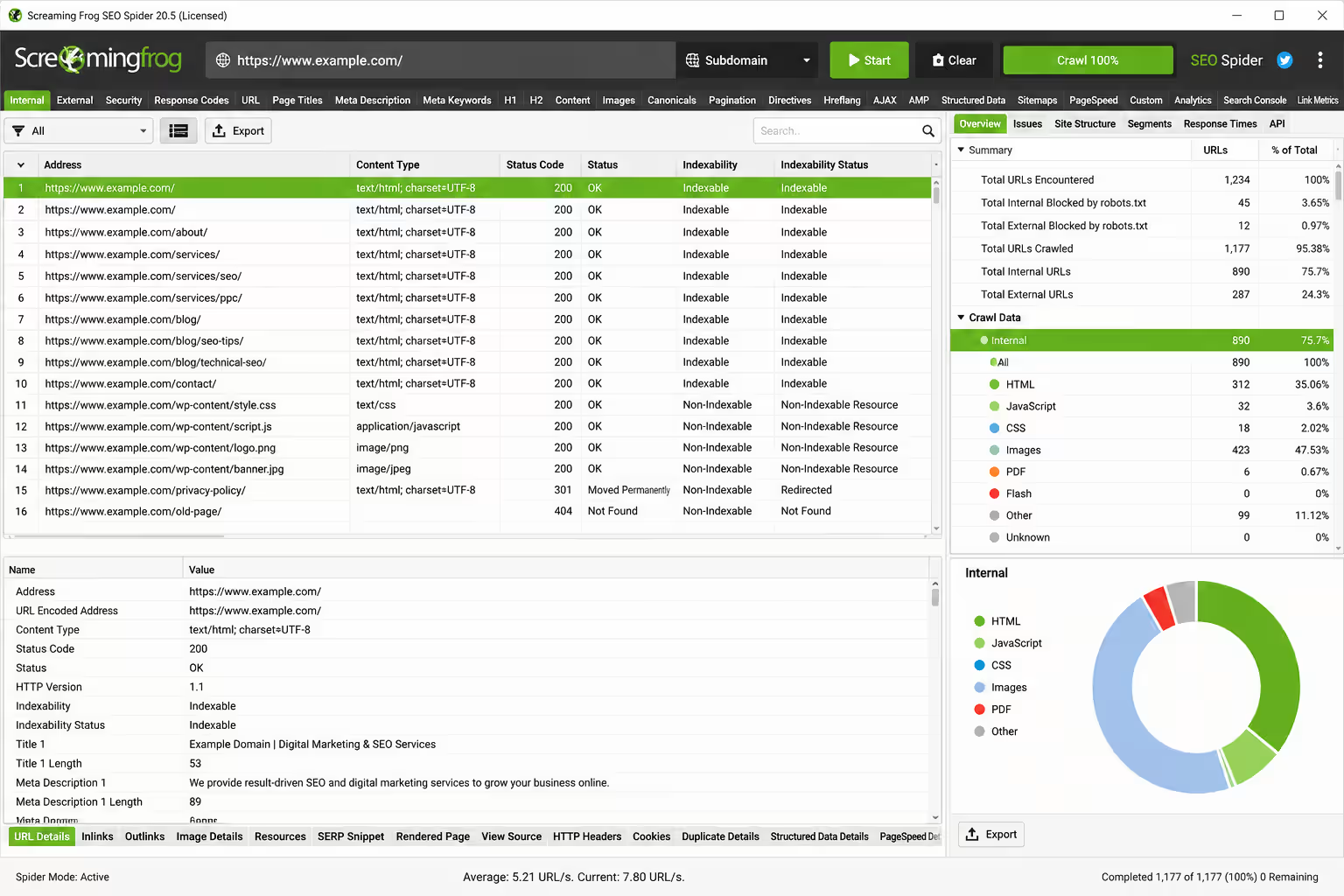
Screaming Frog SEO Spider is a powerful desktop crawler for technical SEO.
The free version can crawl up to 500 URLs per crawl and can identify many common technical SEO problems, including broken links, redirects, missing metadata, duplicate pages, and indexing directives. (Some features, like saved crawls and JavaScript rendering, are reserved for the paid license.)
Use it to check:
- Broken links
- 404 errors
- Redirects
- Page titles
- Meta descriptions
- H1 headings
- Canonical tags
- Robots directives
- Duplicate content
- Internal links
Best for: Technical SEO crawling.
5. Bing Webmaster Tools
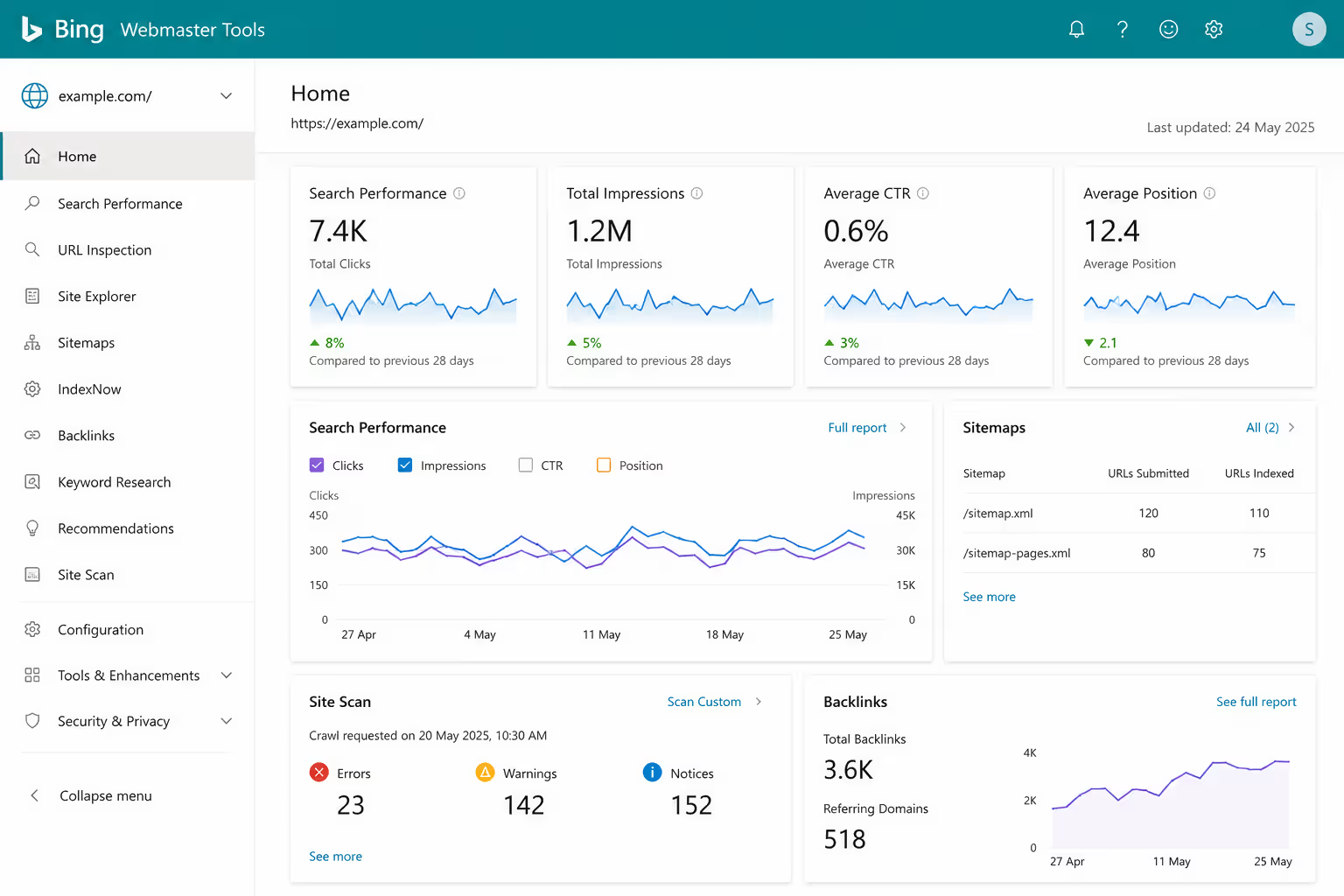
Bing Webmaster Tools is Microsoft’s free platform for monitoring and improving website visibility in Bing.
Its Site Scan feature crawls websites and checks for common technical SEO problems. It also provides backlink, keyword, and SEO reporting features.
Use it to check:
- Technical SEO errors
- Bing indexing
- Backlinks
- Keywords
- Site performance
- Crawl issues
Best for: Bing visibility and additional technical SEO insights.
6. Ahrefs Webmaster Tools (Ahrefs Free)
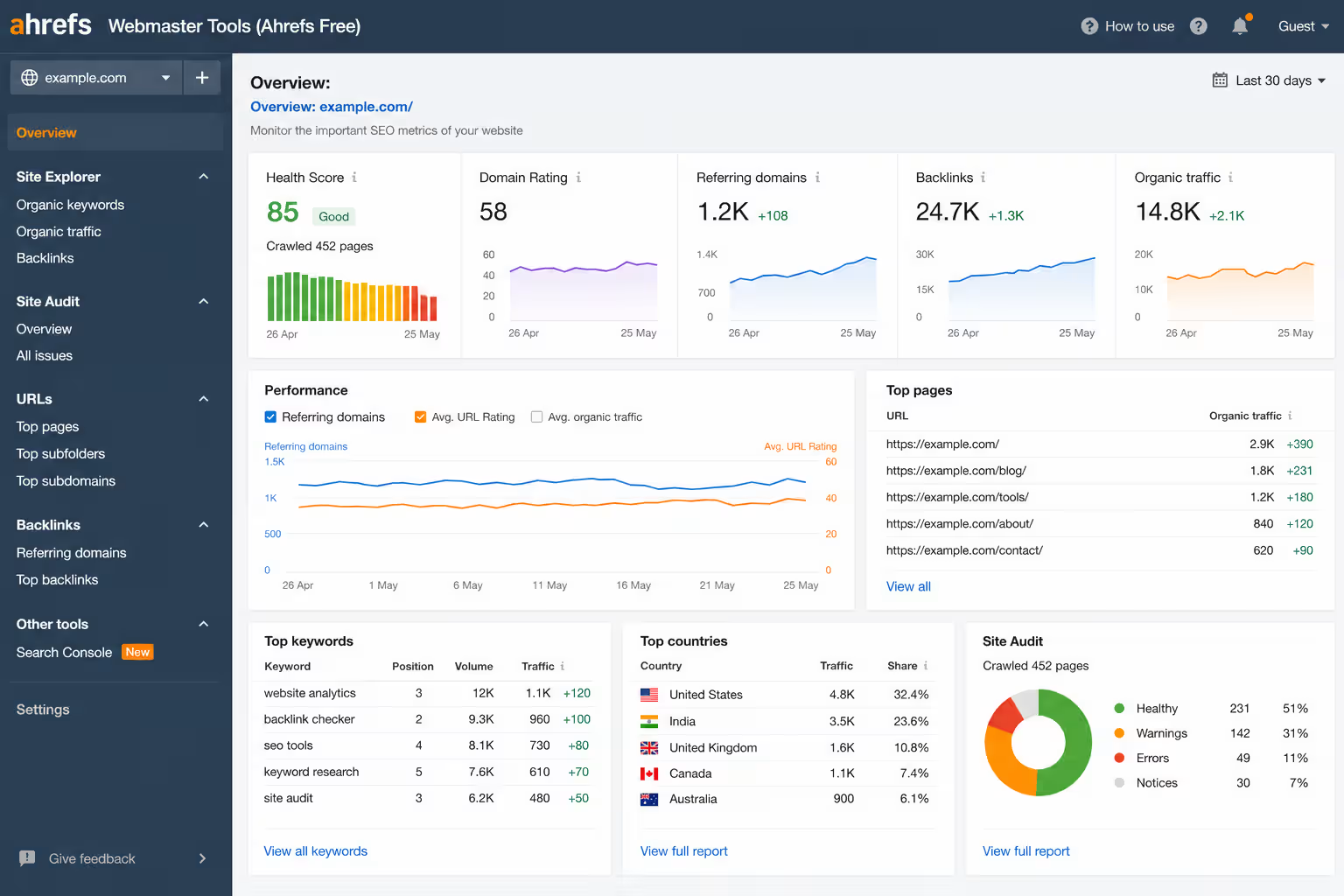
Ahrefs Webmaster Tools often still referred to as “Ahrefs Free” provides free access to several useful SEO features for an unlimited number of verified websites.
Its Site Audit can identify 170+ technical and on-page SEO issues, while Site Explorer provides information about organic keywords, traffic-driving pages, and backlinks (limited to your own verified domains, not competitor sites).
Use it to check:
- Technical SEO issues
- On-page problems
- Backlinks
- Organic keywords
- Top-performing pages
- Website health
Best for: Technical SEO plus backlink analysis.
7. Google Rich Results Test
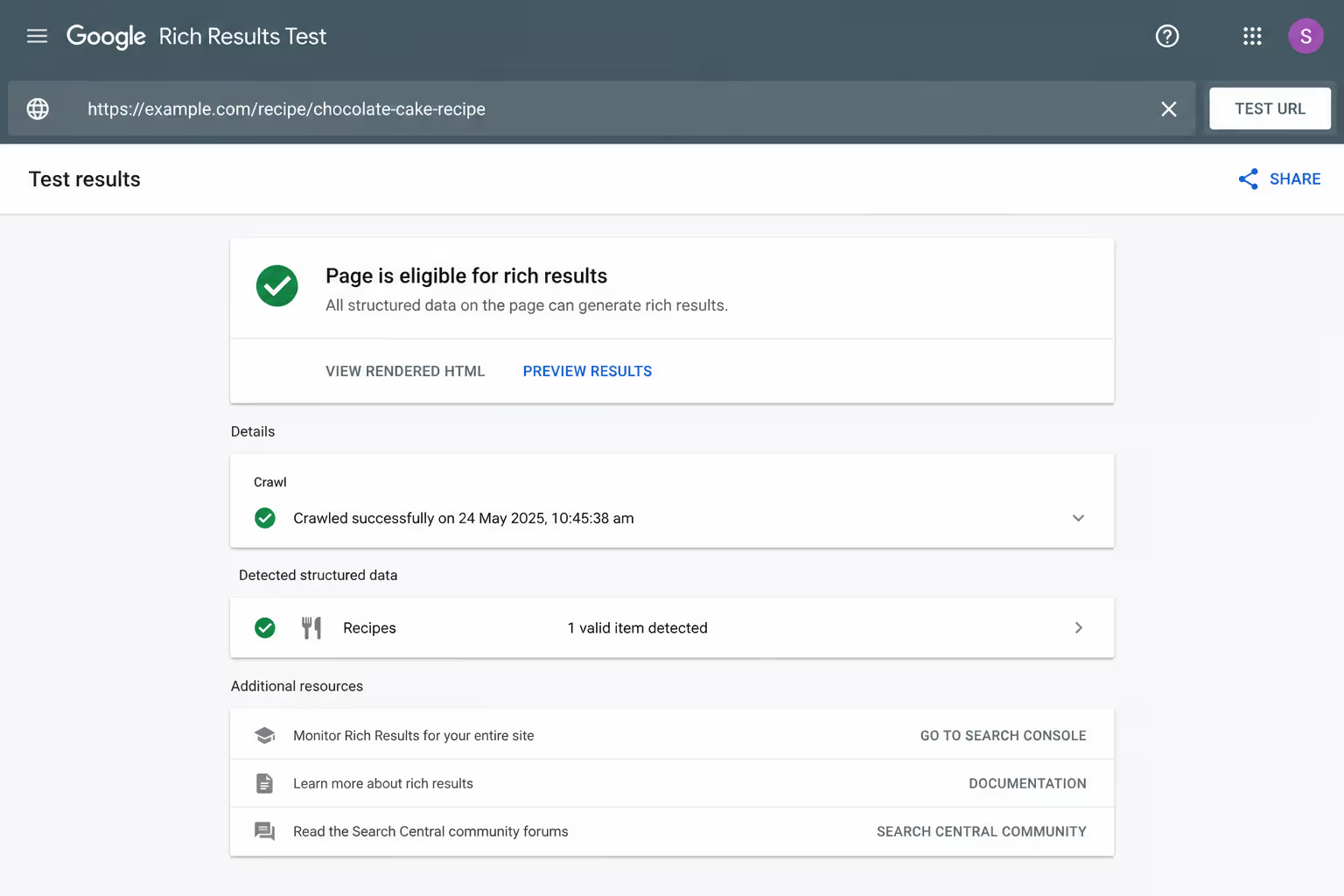
Google Rich Results Test helps test structured data on your web pages.
Structured data can help eligible pages appear with enhanced search features. The tool lets you test either a page URL or a code snippet. Note that Google has been retiring individual rich-result types over time (for example, FAQ rich results were phased out of Search and the testing tools in 2026), so check current eligibility for the specific markup you’re testing rather than assuming every schema type still produces a visible SERP feature.
Use it to check:
- Structured data
- Schema markup
- Eligibility for supported rich results
- Structured-data errors
Best for: Schema and rich-result validation.
8. SSL Labs
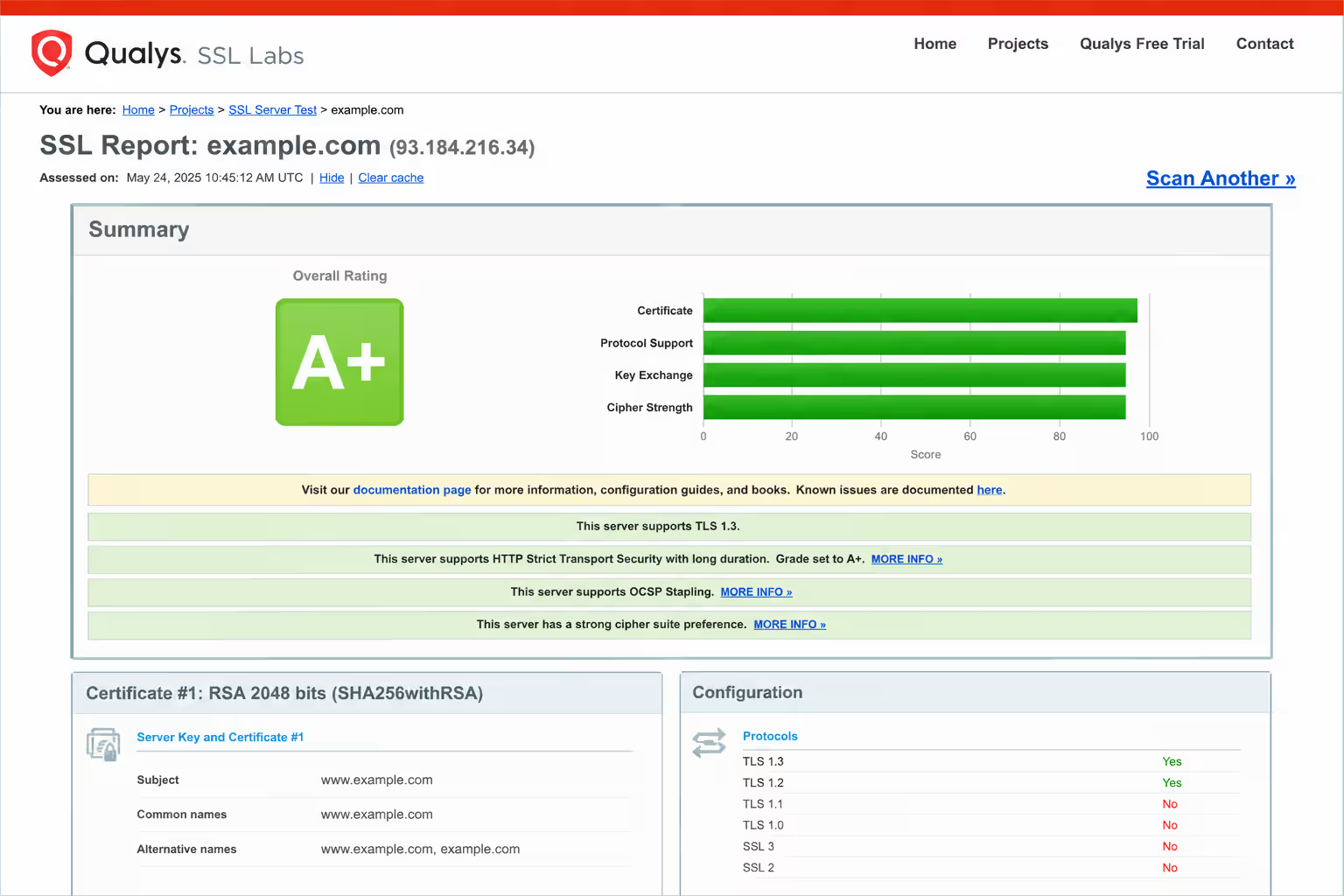
SSL Labs SSL Server Test is a free tool for checking the SSL/TLS configuration of a public web server.
It performs a detailed analysis of the server’s SSL/TLS configuration and provides a security rating.
Use it to check:
- SSL/TLS configuration
- Certificate issues
- Protocol support
- Security configuration
- HTTPS-related problems
Best for: Website security and HTTPS auditing.
9. SpyFu
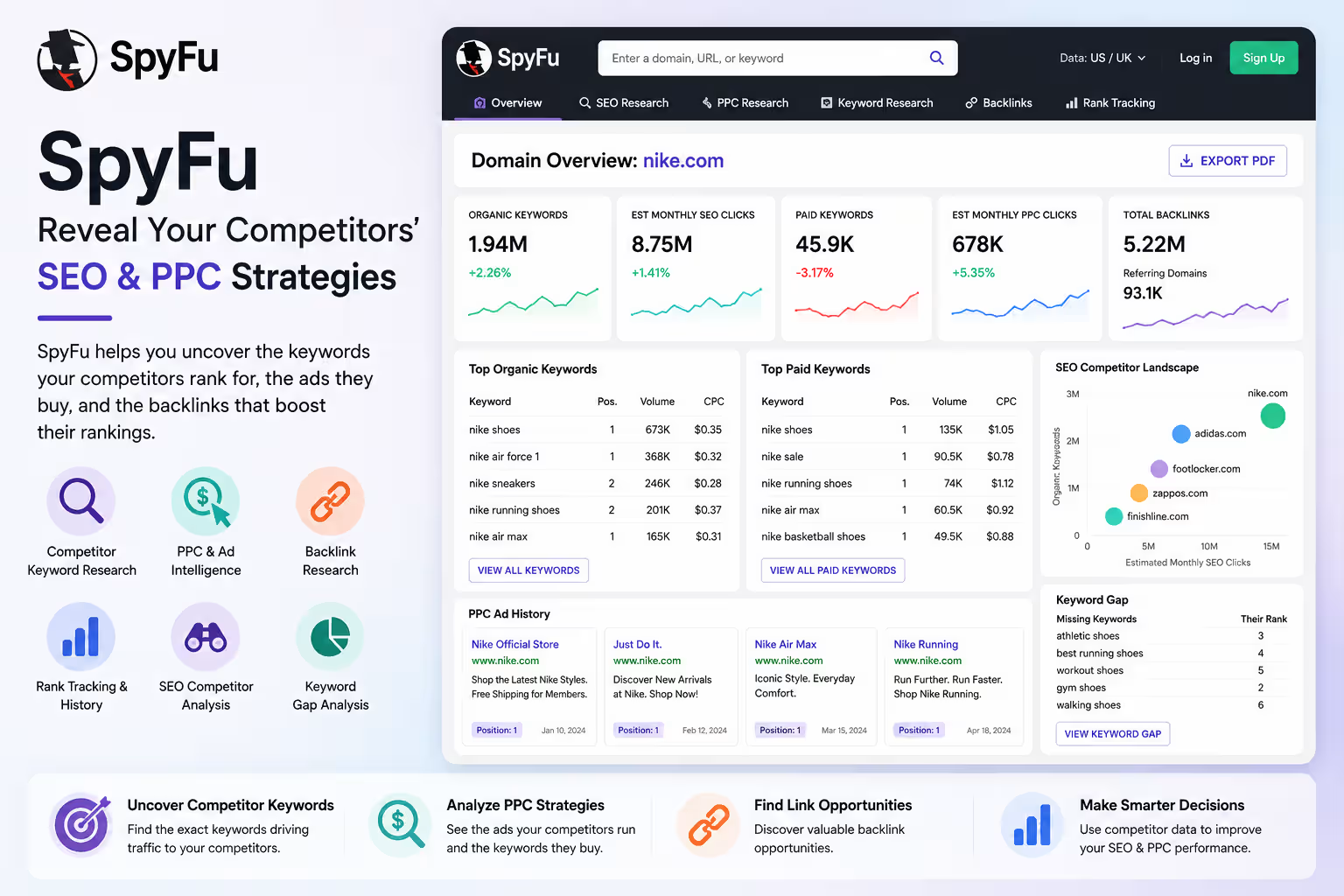
SpyFu is an SEO and PPC competitor research tool that helps marketers understand how competing websites perform in search.
You can use SpyFu to research competitor keywords, organic rankings, paid-search keywords, backlinks, and advertising history. Its competitive data can help identify keyword and content opportunities that may otherwise be difficult to discover.
Use it to check:
- Competitor keywords
- Organic rankings
- PPC keywords
- Competitor ad history
- Backlink opportunities
- Keyword gaps
- SEO competitors
- Search marketing trends
Best for: Competitor SEO and PPC research.
Note: SpyFu provides some free searches and limited data, while many advanced features require a paid plan.
10. Google Keyword Planner
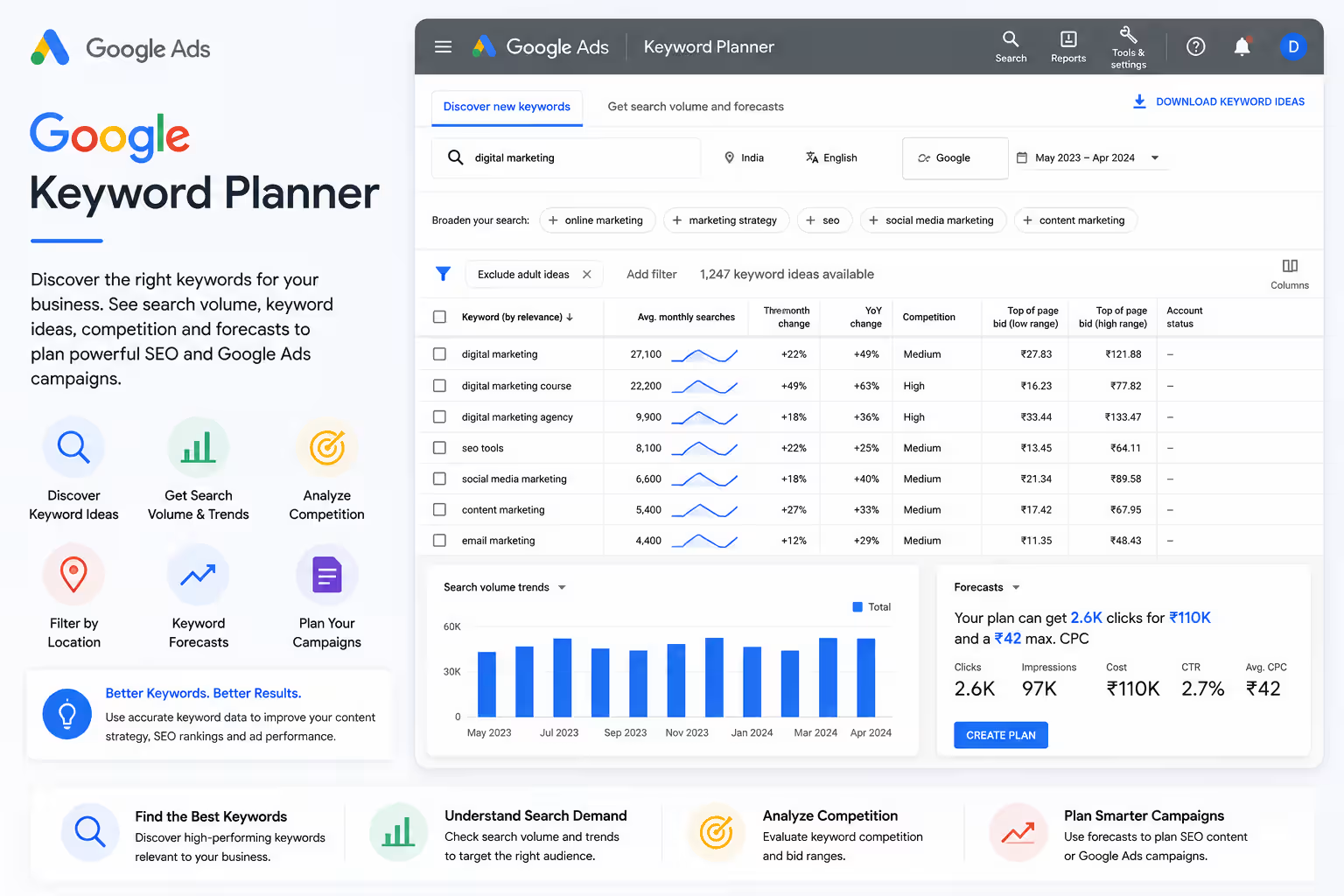
Google Keyword Planner is Google’s keyword research tool, primarily designed for Google Ads campaigns. It can also be useful for SEO keyword research.
You can discover keyword ideas, investigate search demand, compare keyword variations, and estimate advertising competition. While Keyword Planner is not a technical website-audit tool, it can strengthen the keyword research portion of an SEO audit.
Use it to check:
- Keyword ideas
- Search demand
- Keyword trends
- Related keywords
- Advertising competition
- Keyword forecasts
- Location-based keyword opportunities
Best for: Keyword research and search-demand analysis.
Conclusion
A complete website audit doesn’t require an expensive SEO platform. By combining Google Search Console, PageSpeed Insights, Screaming Frog, Bing Webmaster Tools, Ahrefs Webmaster Tools, Rich Results Test, SSL Labs, W3C Validator, and WebPageTest, you can identify many of the technical, SEO, performance, and security issues that can hold a website back.
The key is not simply finding errors, it is prioritizing the problems, fixing them correctly, and auditing the website regularly.
Simple path to follow:
Audit → Identify → Prioritize → Fix → Test → Monitor
A regular website audit can help keep your website technically healthy, user-friendly, and ready to perform better in search.
If you’re thinking about learning SEO Skills in Mohali or Chandigarh with practical, hands-on training and mentoring to use these skills for real projects then the best option is Digital Discovery Institute Mohali.
Frequently Asked Questions (FAQs)
What is a website audit?
A website audit is a detailed analysis of a website to identify technical SEO issues, indexing problems, broken links, page-speed issues, security weaknesses, on-page SEO problems, and other factors that may affect search rankings and user experience.
What are the best free tools for a complete website audit?
Some of the most useful free tools include Google Search Console, Google PageSpeed Insights, Semrush, Screaming Frog SEO Spider, Bing Webmaster Tools, Ahrefs Webmaster Tools, Google Rich Results Test, SSL Labs, W3C Markup Validation Service, and WebPageTest. Each tool checks different aspects of website performance and SEO.
Can I perform an SEO audit without paying for an expensive SEO tool?
Yes. You can perform a strong SEO audit by combining several free tools. For example, use Google Search Console for indexing and search performance, PageSpeed Insights for Core Web Vitals, Screaming Frog for technical crawling, and Google Rich Results Test for structured data.
How often should I perform a website audit?
A basic website audit should ideally be performed at least once every few months. You should also run additional checks after major website changes, redesigns, migrations, URL structure changes, or significant technical updates. Regular monitoring helps identify and fix problems before they negatively affect search visibility or users.
Which website audit tool should I use first?
Google Search Console is a good starting point because it provides first-party information about your website’s presence in Google Search, including indexing, search performance, and Core Web Vitals. After that, combine it with tools such as PageSpeed Insights, Screaming Frog, Semrush, and Ahrefs Webmaster Tools for a broader technical and SEO analysis.